Stop Posting Boring Videos. Start Creating Viral Ones.

🎬 How to Turn Your Phone Into a Viral Video Machine In Less Than 7 Days (Even If You’ve Never Edited Before) Using The #1 Editing Shortcut That’s Helping Creators Blow Up Without Fancy Gear
No Need for Expensive Software, a Team, or Prior Experience…
~ Even a Beginner Can Edit Like a Pro with CapCut!

Learn Anytime
From Phone

LANGUAGE
Hindi + English

Instagram Followers
100 k+
Posts
100 +
corporate
Creators & Students
Helped 0 +

✅ Yes! I Want To Join CapCut Mastery For ₹499

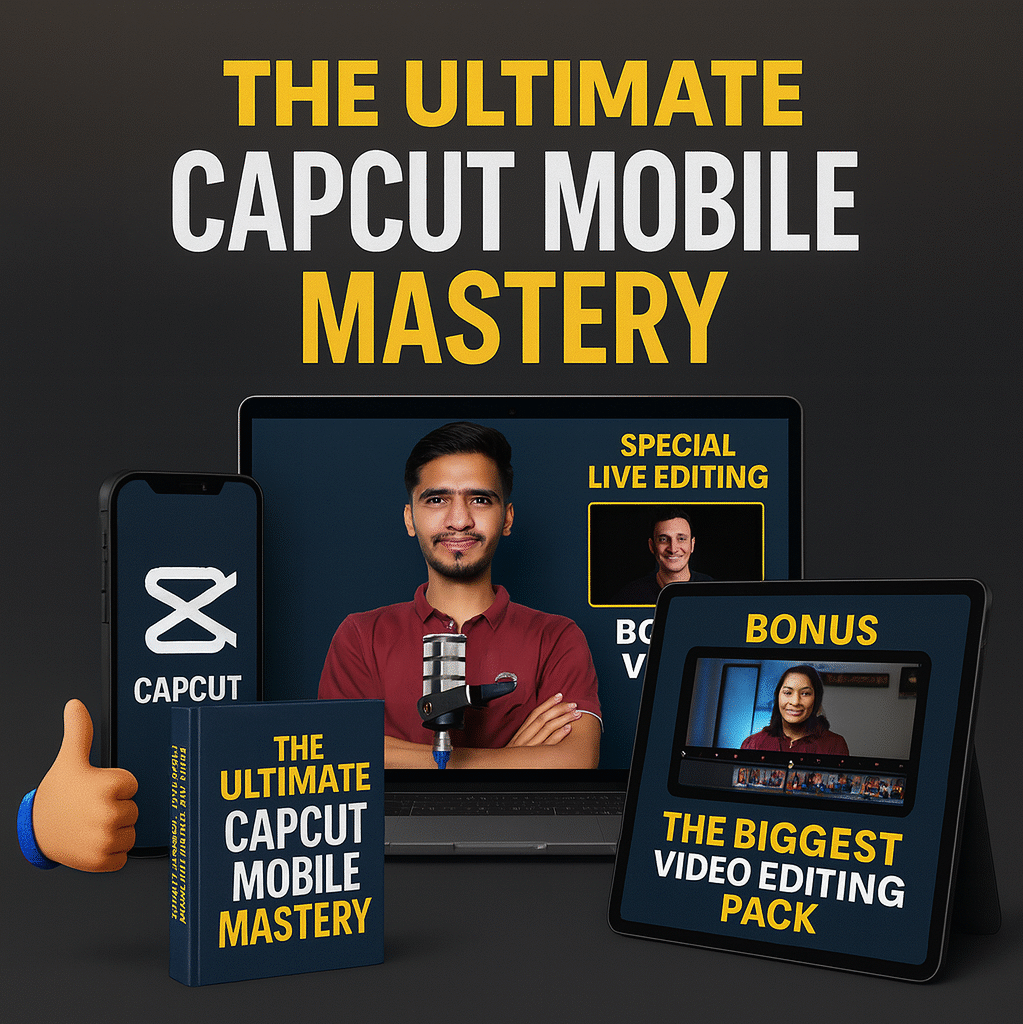
Introducing... THE ULTIMATE CAPCUT MASTERY COURSE (MOBILE)

Here's what you get inside 👇

#1. LIVE EDITNG

Watch real-time editing sessions where you’ll learn exactly how to edit videos step-by-step inside CapCut. No theory — just practical, hands-on editing you can follow along with.

#2. TEXT MASTERY

Learn how to add, style, and animate text in CapCut to make your videos pop. From choosing the right fonts to creating smooth transitions, you’ll master text effects that grab attention and keep viewers watching.

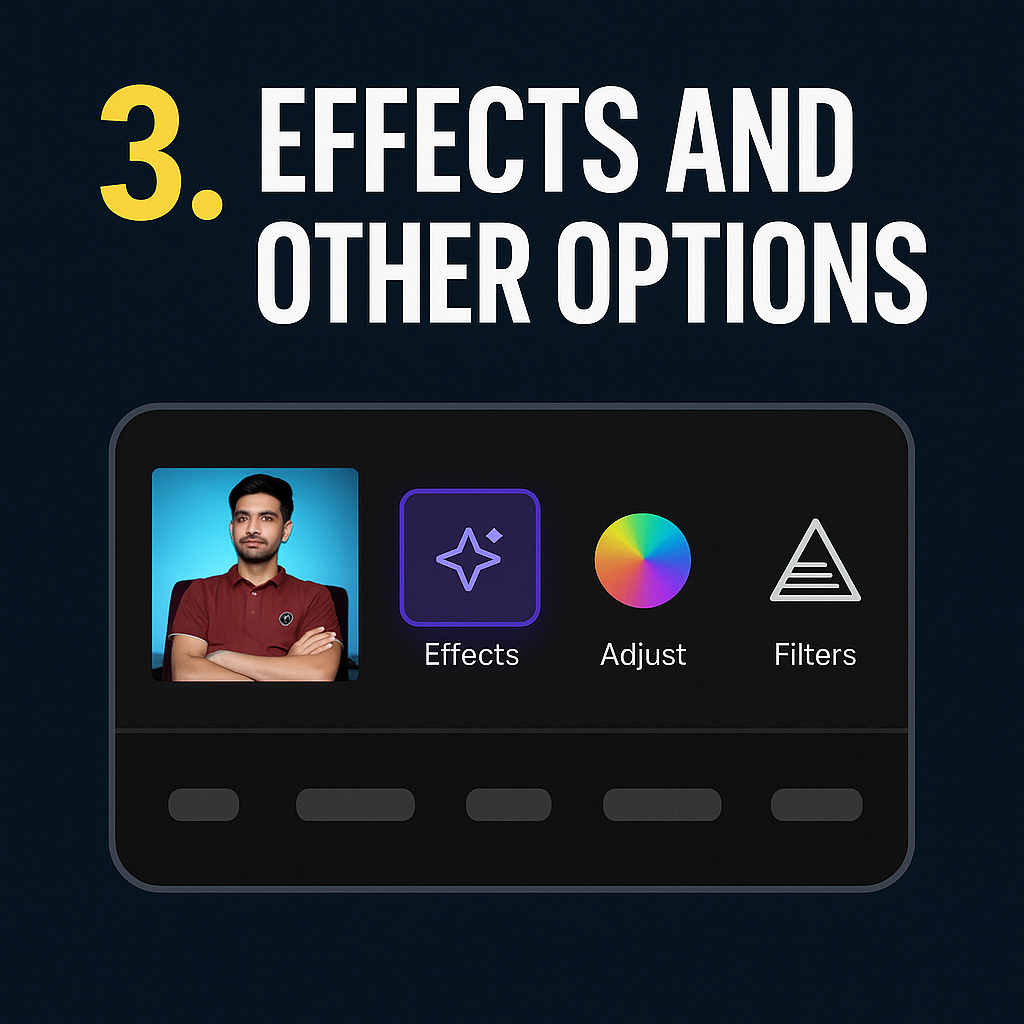
#3. EFFECTS & OPTIONS

Master CapCut’s special effects, filters, and adjustments to make your videos stand out and grab attention instantly.

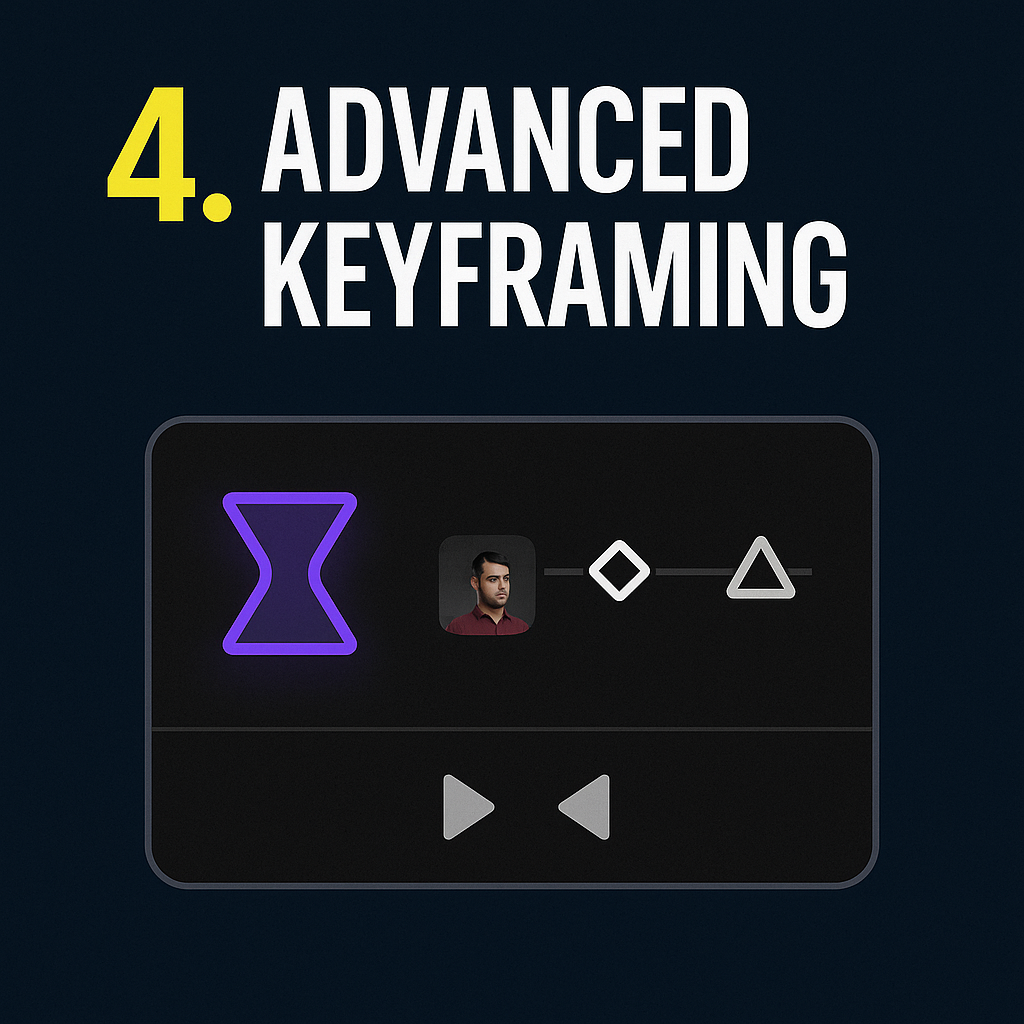
#4. ADVANCED KEYFRAMING

Master the art of smooth animations and professional transitions with CapCut’s advanced keyframing. You’ll learn how to control every movement — from zooms and pans to dynamic effects — giving your videos a polished, cinematic feel that hooks viewers insta

#5. PRO-LEVEL MASKING

Master advanced masking techniques to isolate subjects, create seamless transitions, and bring your edits to a professional level.

#5 PROFESSIONAL COLOR GRADING

Learn how to make your videos look cinematic and eye-catching with pro-level color grading. We’ll cover how to adjust tones, contrast, and color balance to create the perfect mood and style for your content.

#5 PERFECT EXPORT SETTINGS

Learn how to manage, organize, and export your CapCut projects like a pro. From naming files to structuring your timeline, this module ensures your workflow stays smooth and efficient — saving you time and stress.

#8 PROJECT HANDLING (PRO)

Learn how to manage, organize, and export your CapCut projects like a pro. From naming files to structuring your timeline, this module ensures your workflow stays smooth and efficient — saving you time and stress.

✅ Yes! I Want To Join CapCut Mastery For ₹499

Do You Find It Challenging

To Create Videos That Actually Get Views, Likes & Engagement — Consistently?

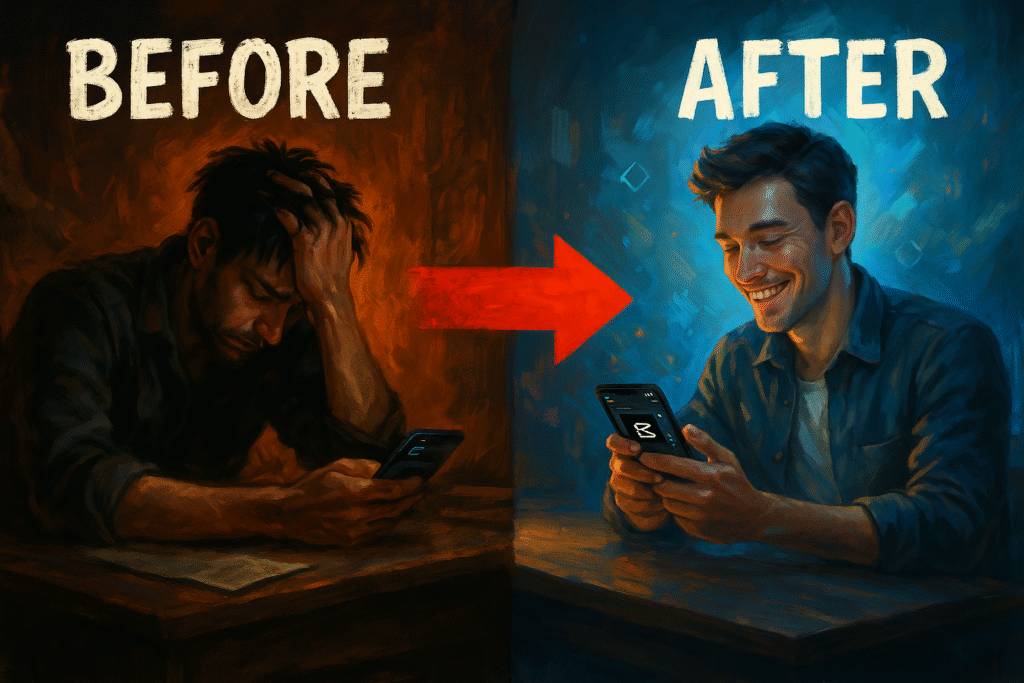
If YES, Then You’re Not Alone. Most creators struggle to make videos that look professional, grab attention, and grow their audience !

Here are the most common challenges people face:

But if you want to overcome these and get a step-by-step roadmap to editing videos like a pro on your phone, then
THIS COURSE IS EXACTLY FOR YOU!

introducing...

THE ULTIMATE CAPCUT MASTERY (MOBILE)

Here, I’ll teach you the step-by-step process of editing professional, viral-ready videos using just your phone. You’ll learn how to add smooth transitions, keyframes, captions, effects & more — all aimed at helping you create videos that get views, engagement, and growth.

who this course is for...

Students

Business Owners

Creators

Coaches

Video Editors

Youtubers

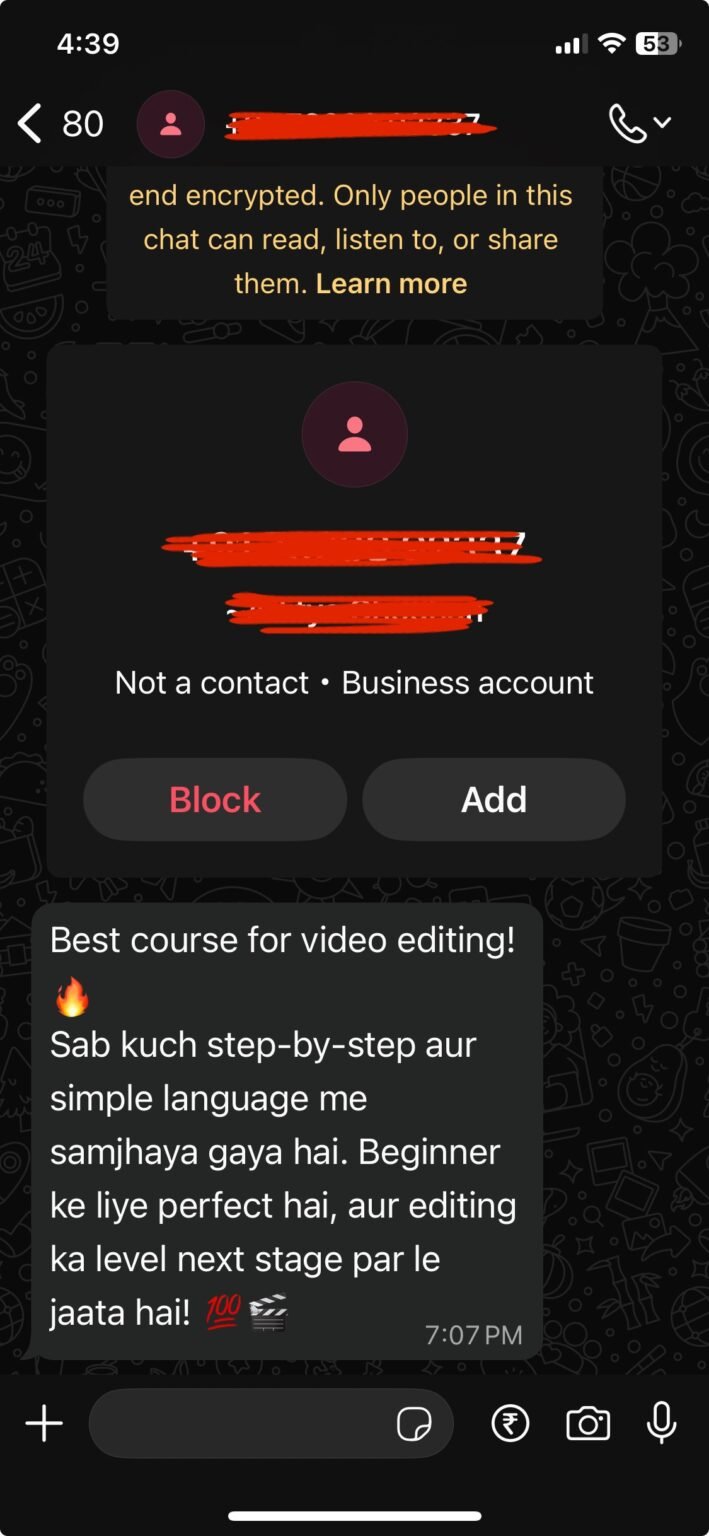
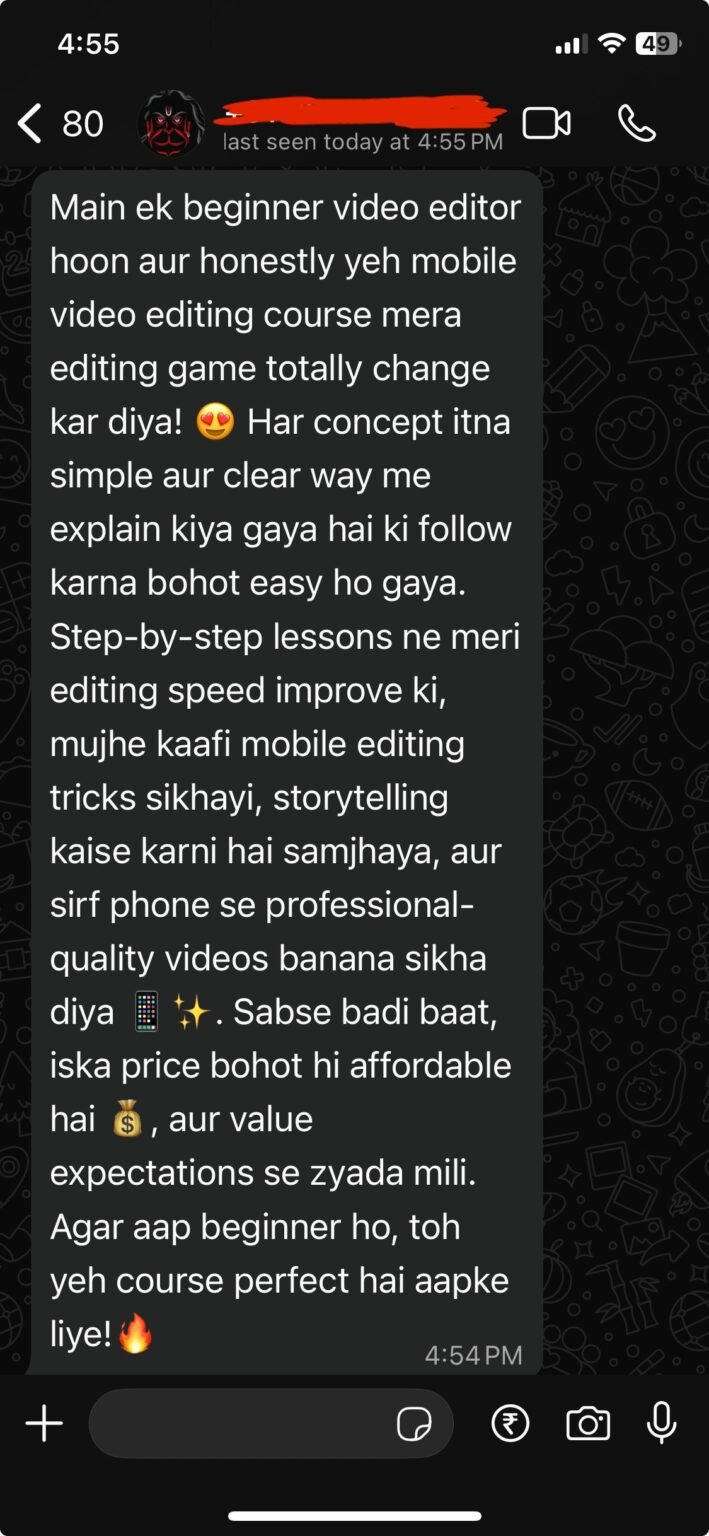
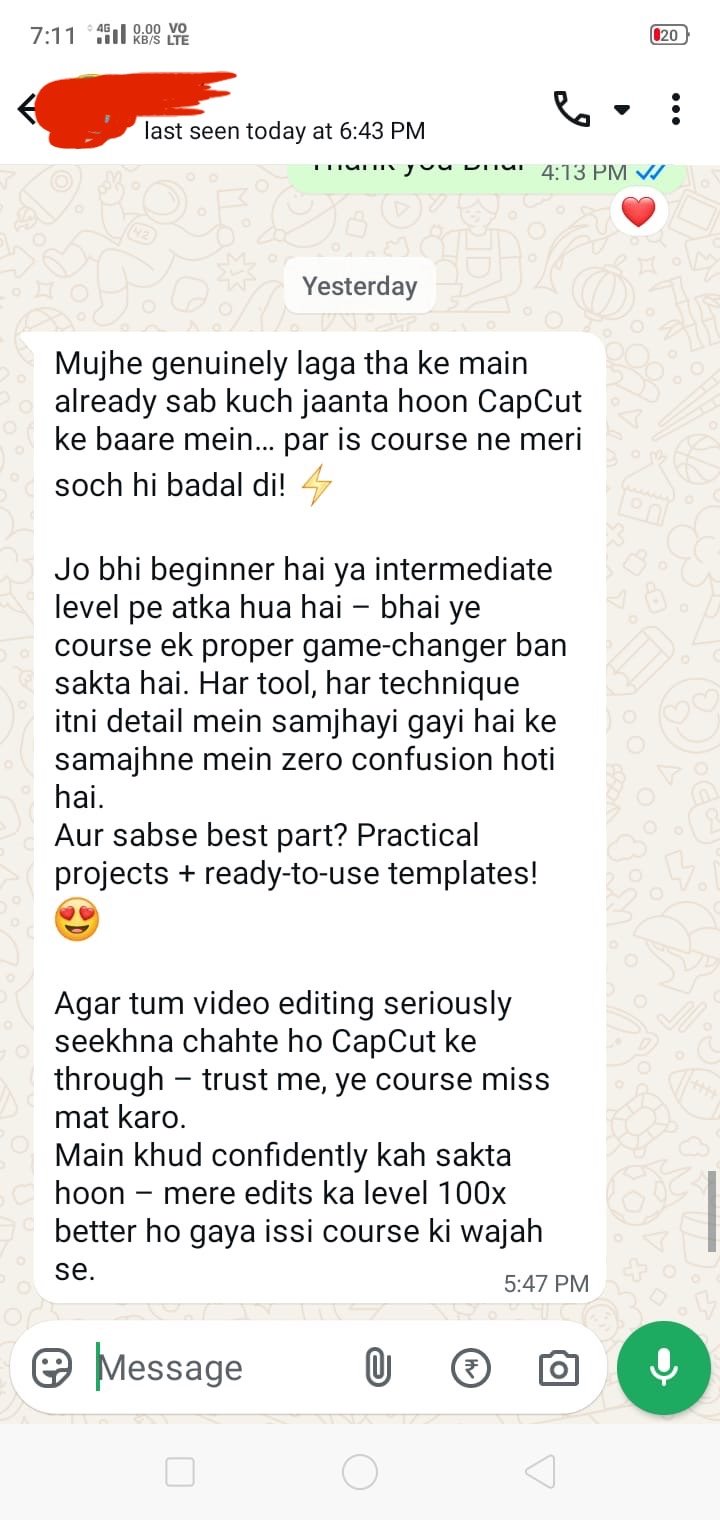
Results Speak Louder Than Words

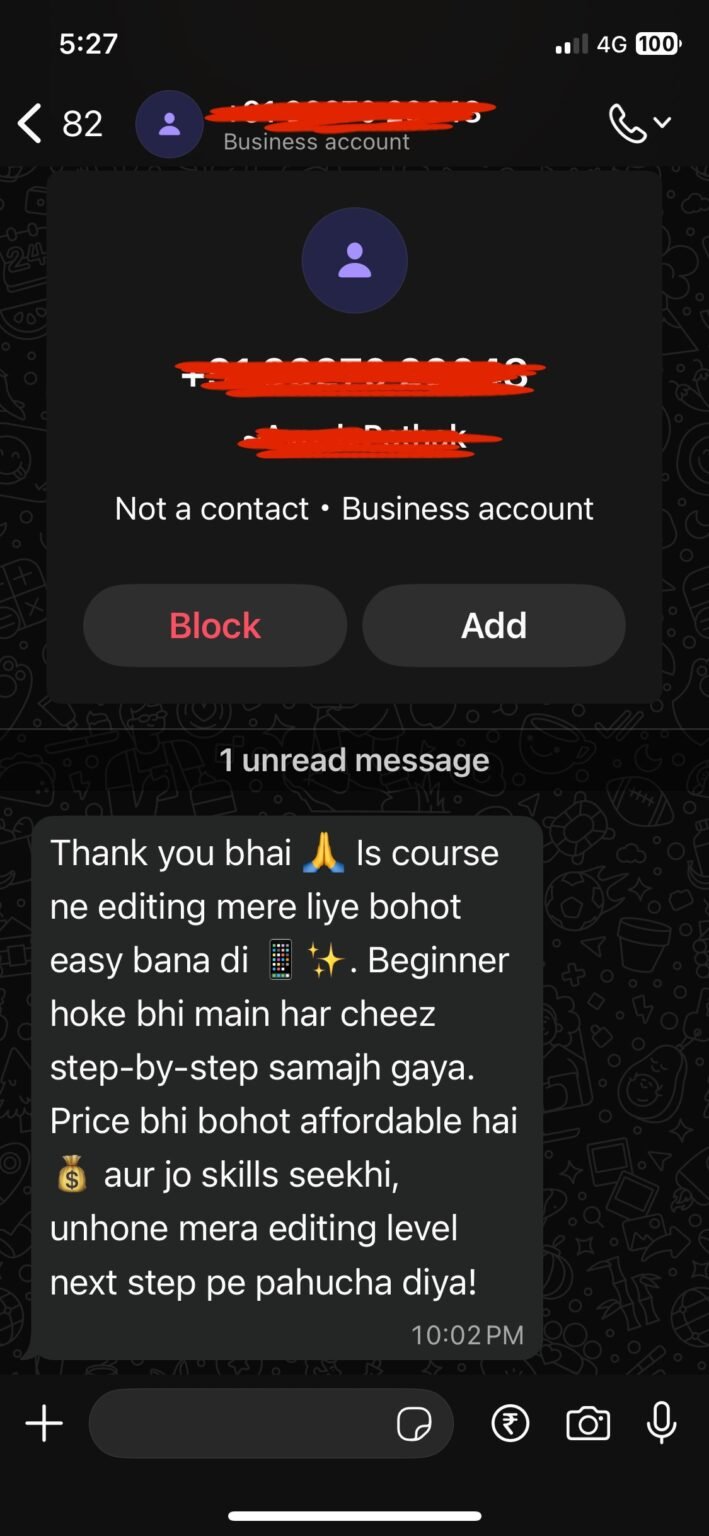
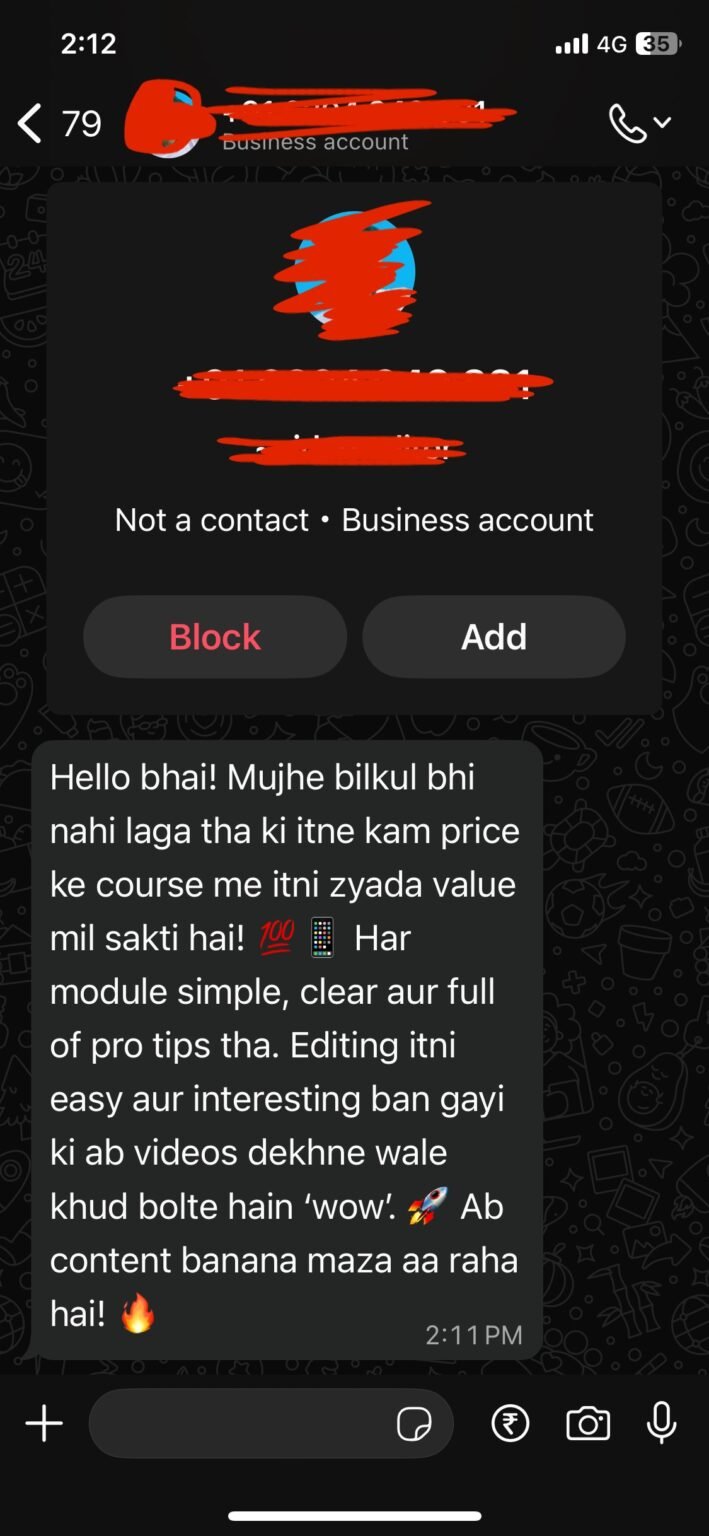
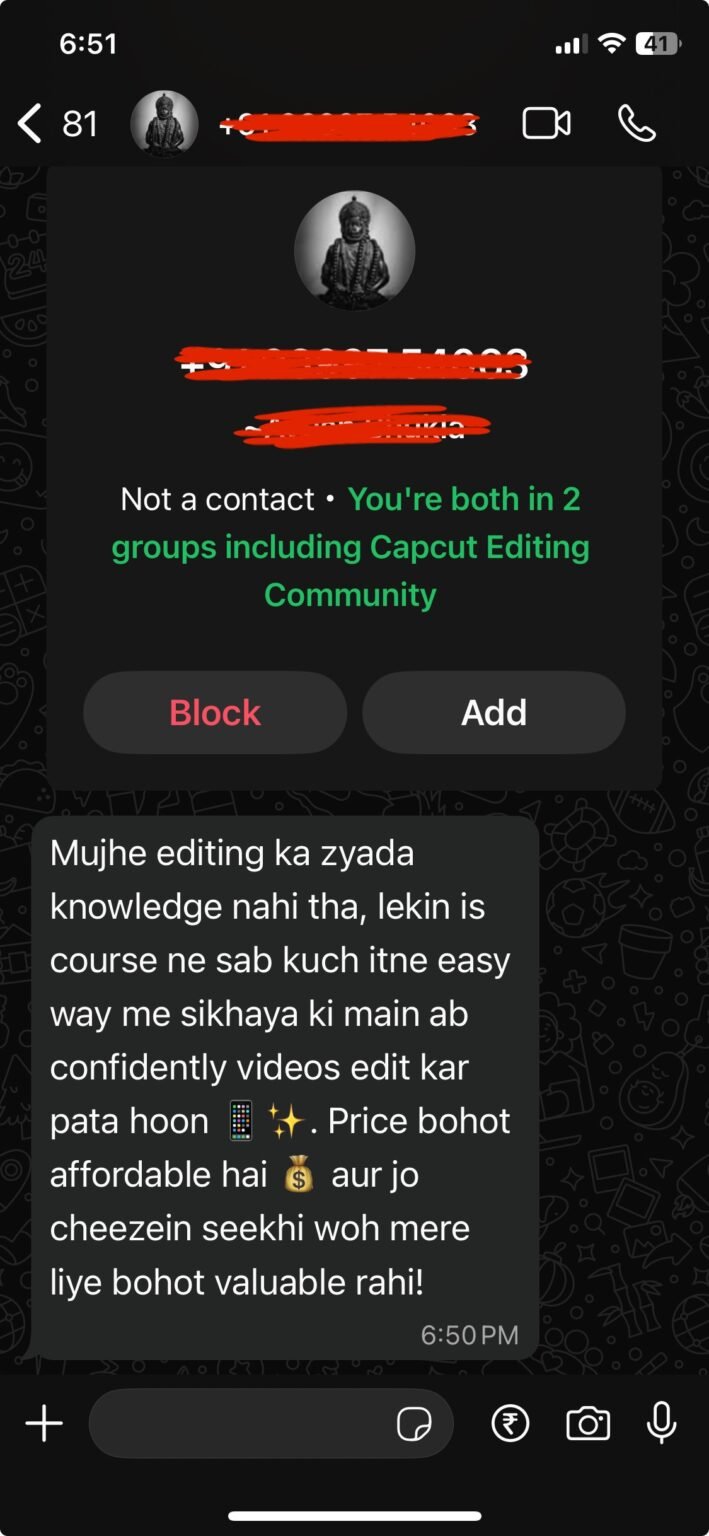
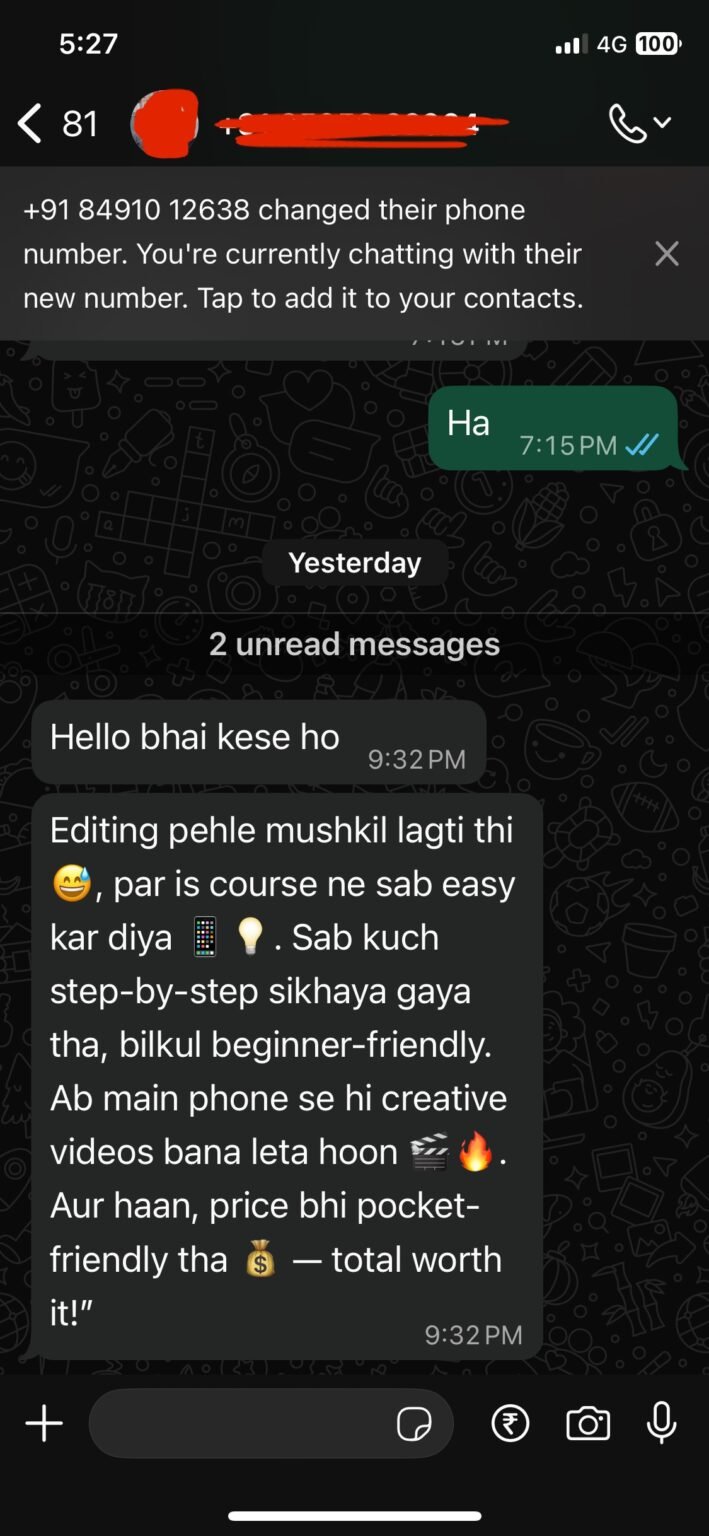
There's more ... just click below to see what others have to say!

Improve with Harman

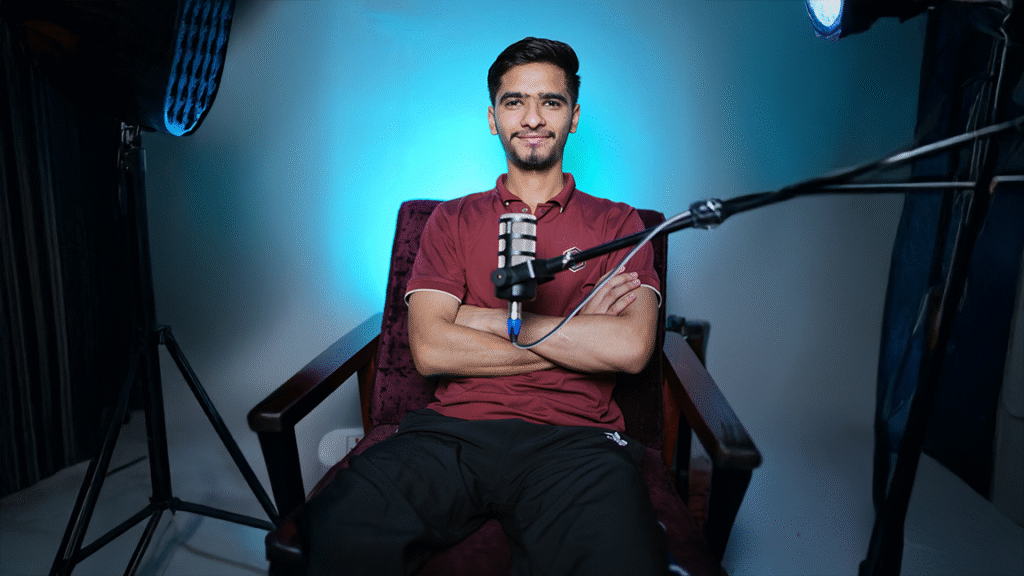
Meet Harman — Your CapCut Mastery Coach

Harman started just like you: overwhelmed by apps, unsure how to make videos that actually get watchers’ attention. But through consistent daily effort, clear learning steps, and “making you a professional video editor in 100 days” series, he cracked the formula for success — and grew his account from zero to 100k+ followers in just 150 days.

Now, he's bringing that same method into CapCut Mastery. No fancy software. No editing experience required. Just honest, effective training that helps you edit like a pro — fast.

🎁 BUT WAIT...THAT'S NOT ALL!

Hey, it’s Harman here 👋


I know how frustrating it can feel to start learning video editing. That’s why when I created CapCut Mastery, I didn’t just stop at the lessons…


I wanted to give you every single tool, shortcut, and resource that I personally wish I had when I started.


So when you join today, you’re not just getting the course…

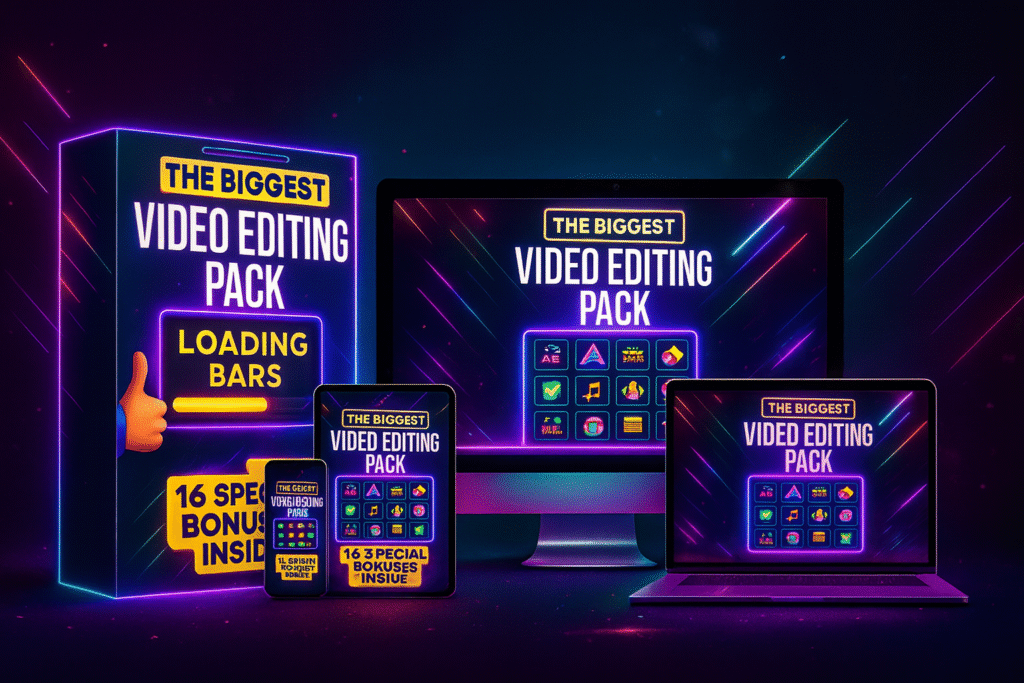
👉 You’re also unlocking 16 powerful bonuses worth ₹12,500 — For Absolutely FREE

and WhatsApp Community Access!

Check it out below!

🎁Your 16 CapCut Mastery Bonuses

1️⃣ 3D Hands – Eye-catching 3D gesture assets. 2️⃣ Animated Arrows – Smooth motion arrows for edits. 3️⃣ Animated Icons – Pro icons to highlight content. 4️⃣ Animated Emojis – Fun emojis to boost engagement. 5️⃣ Intro + Outro Templates – Ready-made video openers/closers. 6️⃣ Paper Assets – Creative overlays & textures. 7️⃣ Sound Effects – Library of attention-grabbing sounds. 8️⃣ Textures – Cinematic textures for unique vibes. 9️⃣ Animated Letters – Stylish text animations. 🔟 Loading Bars – Cool animated progress bars. 1️⃣1️⃣ Music Tracks – Royalty-free tracks for videos. 1️⃣2️⃣ Money Assets – Currency visuals for edits. 1️⃣3️⃣ Transitions – Smooth, pro-level transitions. 1️⃣4️⃣ Stock Footage – High-quality clips ready to use. 1️⃣5️⃣ Paper Assets (Extended) – Extra overlays & resources. 1️⃣6️⃣ Memes – Viral meme templates for fun edits.​

Get All This Inside The Course

Total Value Of Bonuses: ₹12,500/

Buy Today For Just Rs. 499/-

100% Money Back Guarantee

I’m so confident in the value you’ll get inside CapCut Mastery that I want to make this a completely risk-free decision for you.

Here’s my promise: If you go through the course and still feel like it wasn’t worth your time or money, just let me know. I’ll personally make sure you get a full 100% refund — no questions asked.

Why? Because over 99% of my students have loved the program and seen results. I’m certain you will too. But if not, you lose nothing.

👉 You either learn how to edit like a pro… or you get your money back. Simple.

Frequently Asked Questions

No! You only need your phone and the free CapCut app.

Yes, this course is made for beginners as well as creators who want to level up their edits.

Most students start creating professional-looking edits within a few days of practice.

Yes, once you enroll, you get lifetime access to all lessons and bonuses.

No worries — you’re covered by my 100% Money Back Guarantee.

Scroll to Top